Identify Antiques by Photo
Snap a photo, get a report. The easiest way to identify antiques by photo — no terminology, no forms, no waiting room.
Upload photos of your item
Drag photos here, or use the buttons below. Up to 5 photos.
JPG / PNG / WEBP · Up to 5 photos · Your first scan is free
For a better identification, include
- · A full side profile of the item
- · The bottom or base of the item
- · Any maker's mark, hallmark or signature
- · A close-up of damage or restoration
Identify antiques by photo — examples
One phone photo set per item, one structured report back.
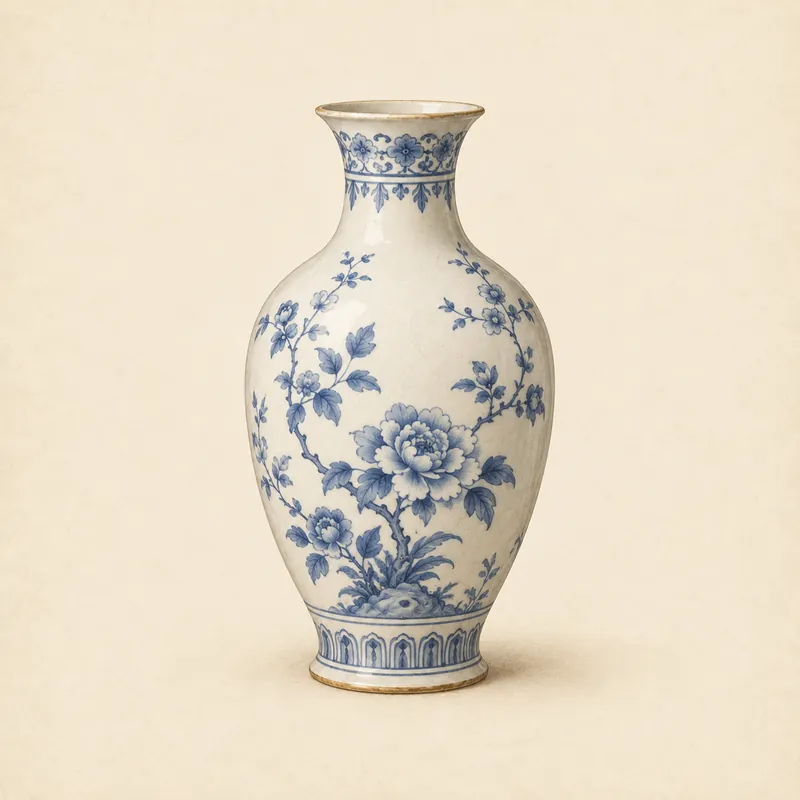
Porcelain vase
Full profile plus base mark — identification reached the Likely label.
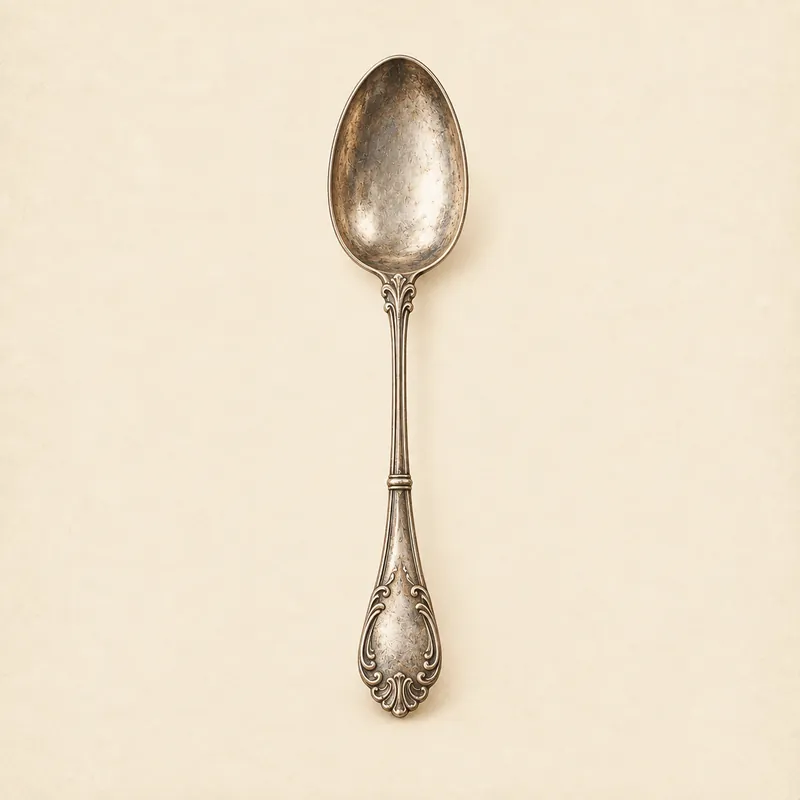
Silver spoon
Hallmark close-up read: sterling standard, maker and date letter.
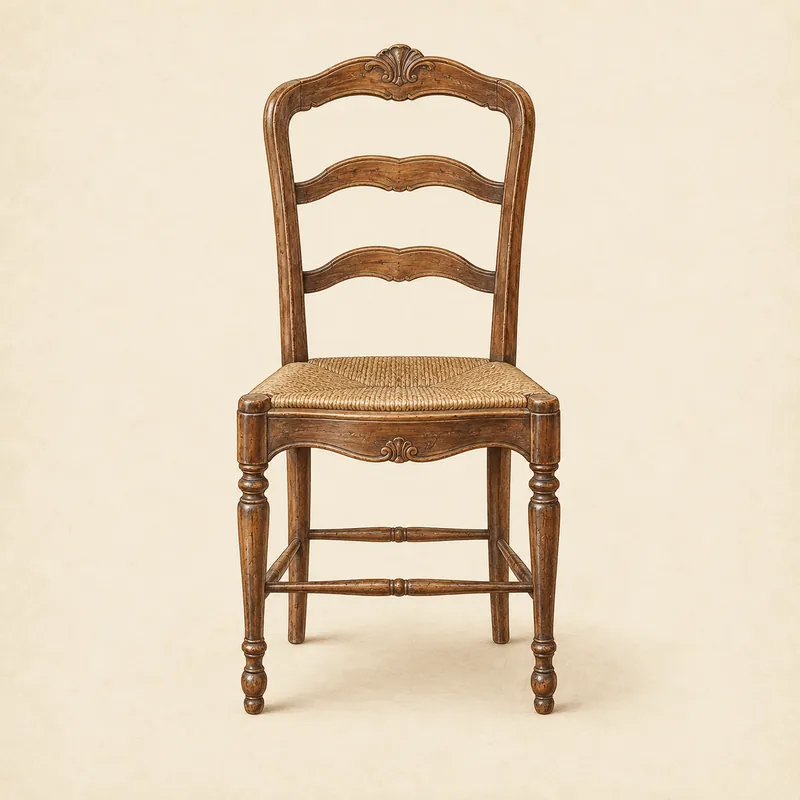
Antique chair
Drawer-interior photo dated the joinery — and with it the chair.
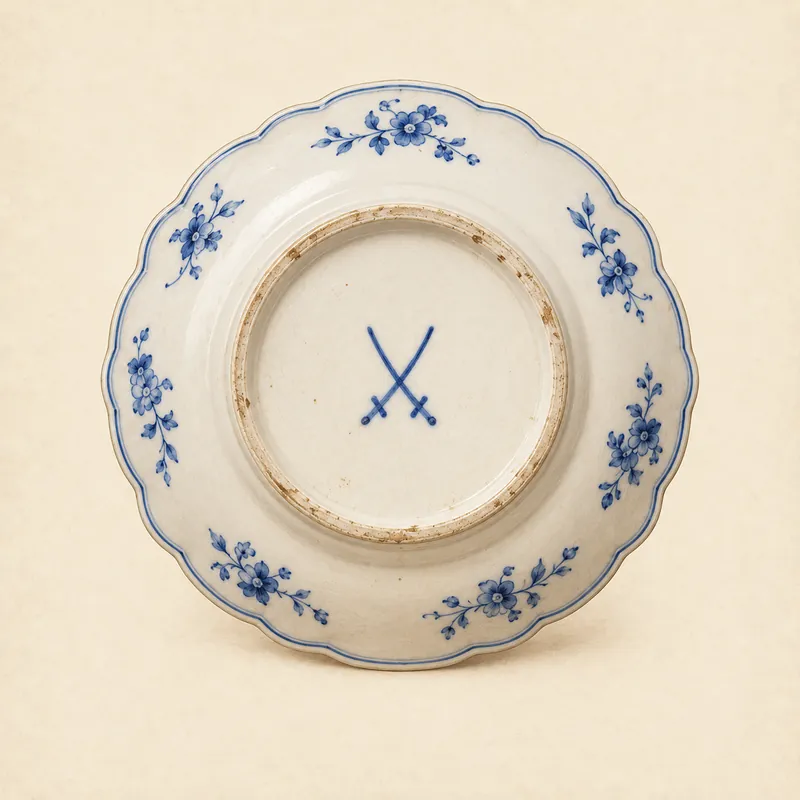
Pottery mark
Raking light on the underside made an impressed mark readable.
How to use this tool
Upload 1–5 photos
Photograph the whole item, the base, and any marks or signatures. Phone cameras are fine.
AI analyzes the details
The model examines form, materials, construction, marks and wear, then estimates age and origin.
Get your research report
A structured report with identification, confidence levels, evidence and value ranges — saved to your history.
Why photo identification works
Expert signals, phone camera
Proportions, materials, construction, hallmarks and wear — the signals appraisers read — are visible in a well-lit phone photo. Good light and a square angle put those signals within reach of any phone camera.
Up to five angles
Full profile, base, mark and damage close-ups give the scanner the equivalent of turning the piece over in its hands. Each angle answers one appraiser question; five slots cover nearly all of them.
Reasoning on display
The report shows which signals carried the identification, so you can judge the finding instead of trusting it blindly. Shown reasoning is what separates a research tool from a magic box.
Saved scan history
Every report is stored, so you can reshoot the recommended angles, rescan, and watch the confidence label climb. Watching the label move between scans is how users learn what evidence weighs.
People who identify antiques by photo
Estate cleanouts
Sort a houseful of unknowns into keep, sell and research piles.
Thrift and flea markets
Check a find from the aisle before the tag says someone else got there first.
Family mysteries
Answer "where did this come from?" with something better than a guess.
Photo identification FAQ
Practical questions about identifying antiques from photographs.
Do I need a special camera to identify antiques by photo?
No. A modern phone camera is more than enough. What matters is light and angles: shoot the whole item, the base, any marks in sharp focus, and any damage — daylight or a bright lamp, no flash glare on porcelain or silver.
How many photos should I take?
One good full-profile photo works, but three to five is the sweet spot: full profile, base, maker's mark, and a close-up of condition issues. Each extra angle measurably sharpens the result when you identify antiques by photo.
Can I identify antiques by photo if the item is framed behind glass?
Take the item out if you safely can — glass reflections hide detail. If not, photograph at a slight angle to the glass with light behind you, turn off flash, and expect the report to flag reflection-obscured areas under uncertainties.
What happens to my photos?
They are stored privately and never published. The analysis model receives short-lived expiring links — typically fifteen minutes — and you can delete your account and data at any time.
Does it work for vintage and collectibles too?
Yes. Mid-century furniture, vintage watches, collectible toys, retro electronics — the same analysis applies. Anything with readable form, materials or marks is a candidate when you identify antiques by photo.
How fast is a scan?
Usually under two minutes from upload to report. Free scans sit in a short queue first; paid scans run instantly on a stronger model. Your first scan is free either way.
What if my photos are blurry?
Blurry marks are the most common reason a finding stalls at Possible. Steady the phone against a shelf, tap to focus on the mark itself, and let the camera expose for the object — then reshoot and rescan; the history page keeps both reports for comparison.
Can I scan more than one item?
One item per scan gives the cleanest reading, since marks and materials from different objects muddle the evidence. Scans are inexpensive after the free one, so photograph each piece separately and give every object its own report.
Do you keep my identification reports?
Yes — every report is saved to your private history, so findings, confidence labels and value ranges stay comparable across scans. You can revisit them any time, or delete your account and data entirely when you are done.
What makes a photo unusable?
Motion blur on marks, heavy flash glare on glaze or silver, and shots taken across a room instead of up close. If you cannot read the mark in your own photo, the scan cannot either — retake it steadier and closer.
Can I use it on my phone?
Yes — the whole flow is built for phones: camera capture, upload and report reading all run in the browser with no app install. The five-photo limit keeps uploads fast even on mobile data.